Three messages.
That is the whole workflow.
No app to install, no account to create, no dashboard to learn. If you can send a photo to a customer on WhatsApp, you can already use Mohor. Here is a sherwani that went in as one mannequin photo.
Send the photo
Photograph the piece on the mannequin you already have, on your phone, in whatever light the shop has. Send it to our number like any other message. Flat, on a hanger or on a form — all work.
Answer two questions
The bot replies with a short numbered menu: which garment, male or female model, studio or a scene that suits the piece. Reply with a number. That is the whole configuration.
Get the catalogue back
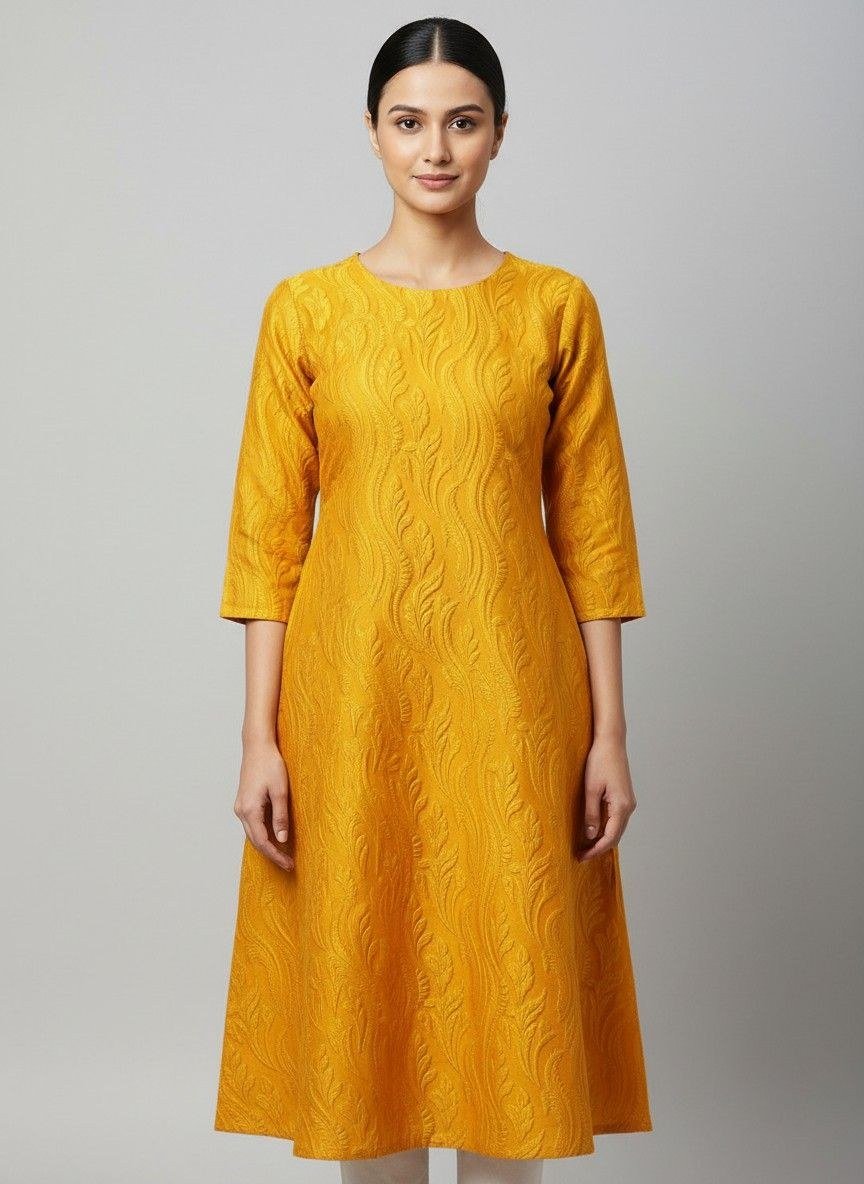
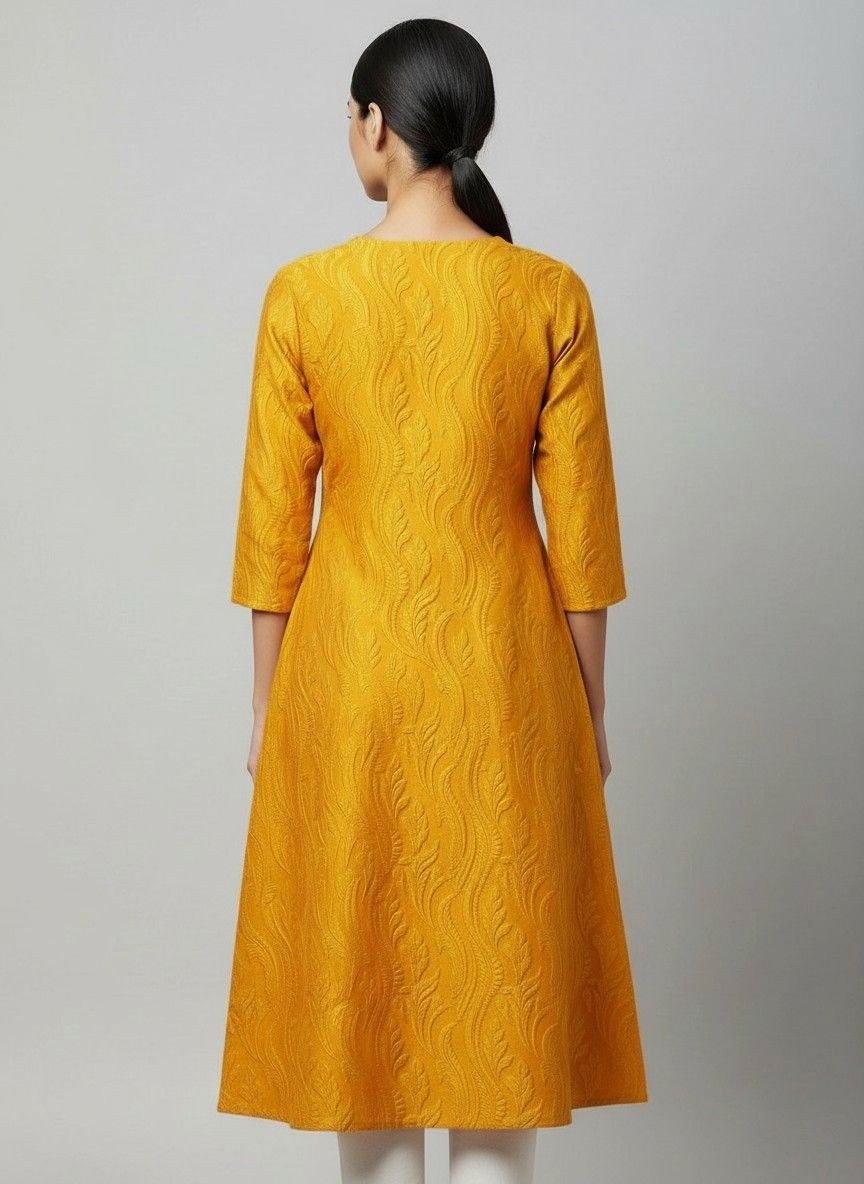
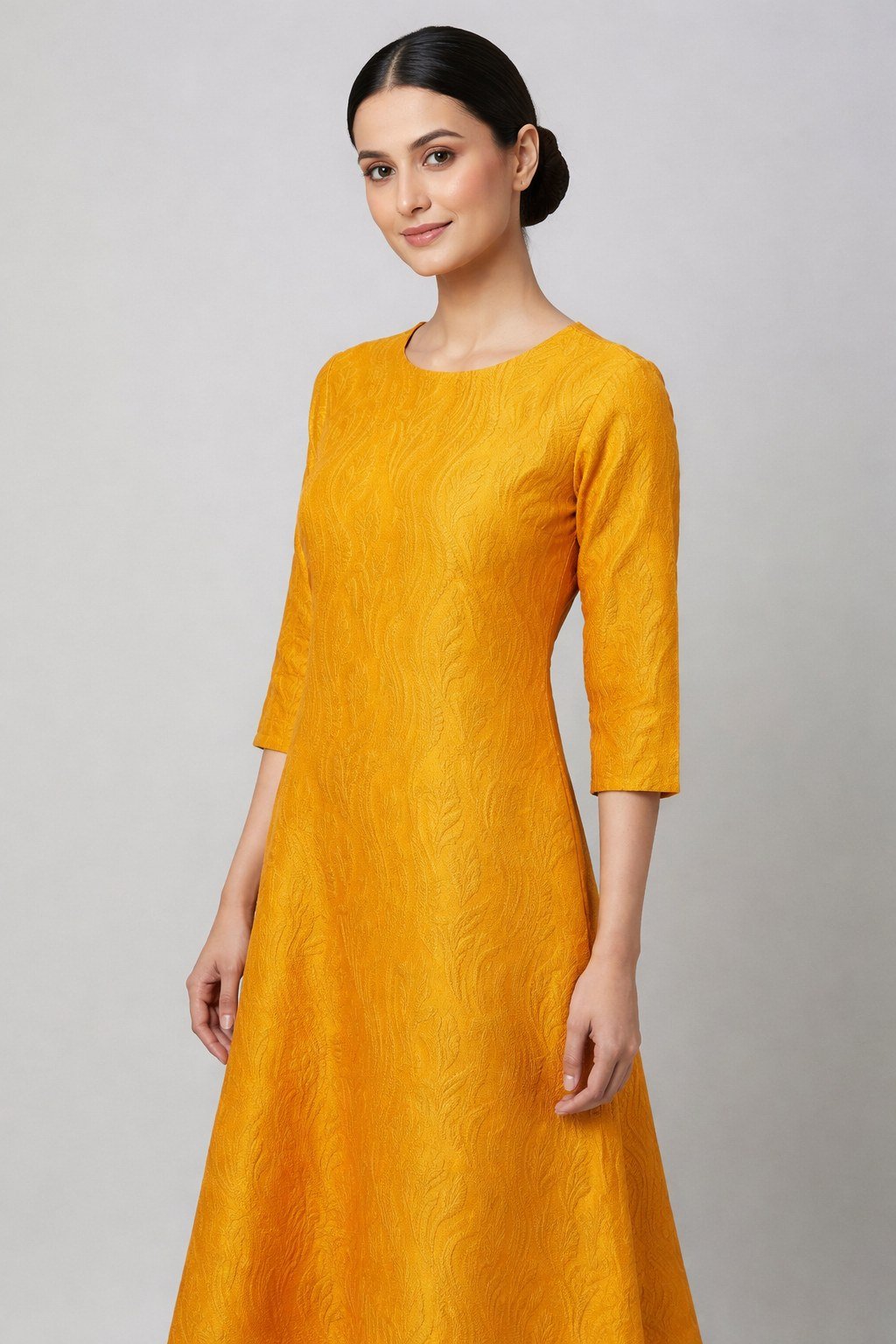
Front, back, three-quarter and profile arrive in the same chat, at full resolution, ready to forward to a buyer, list online or hand to a printer.
Three messages.
That is the whole workflow.
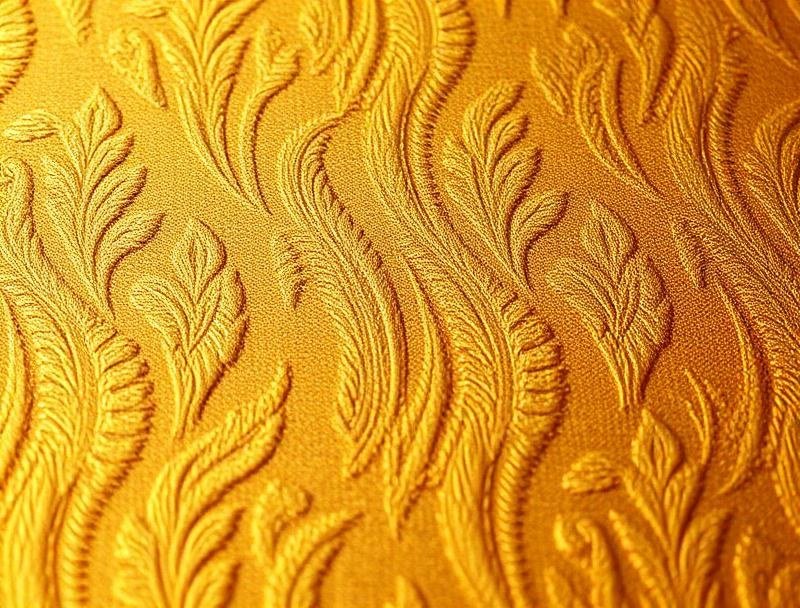
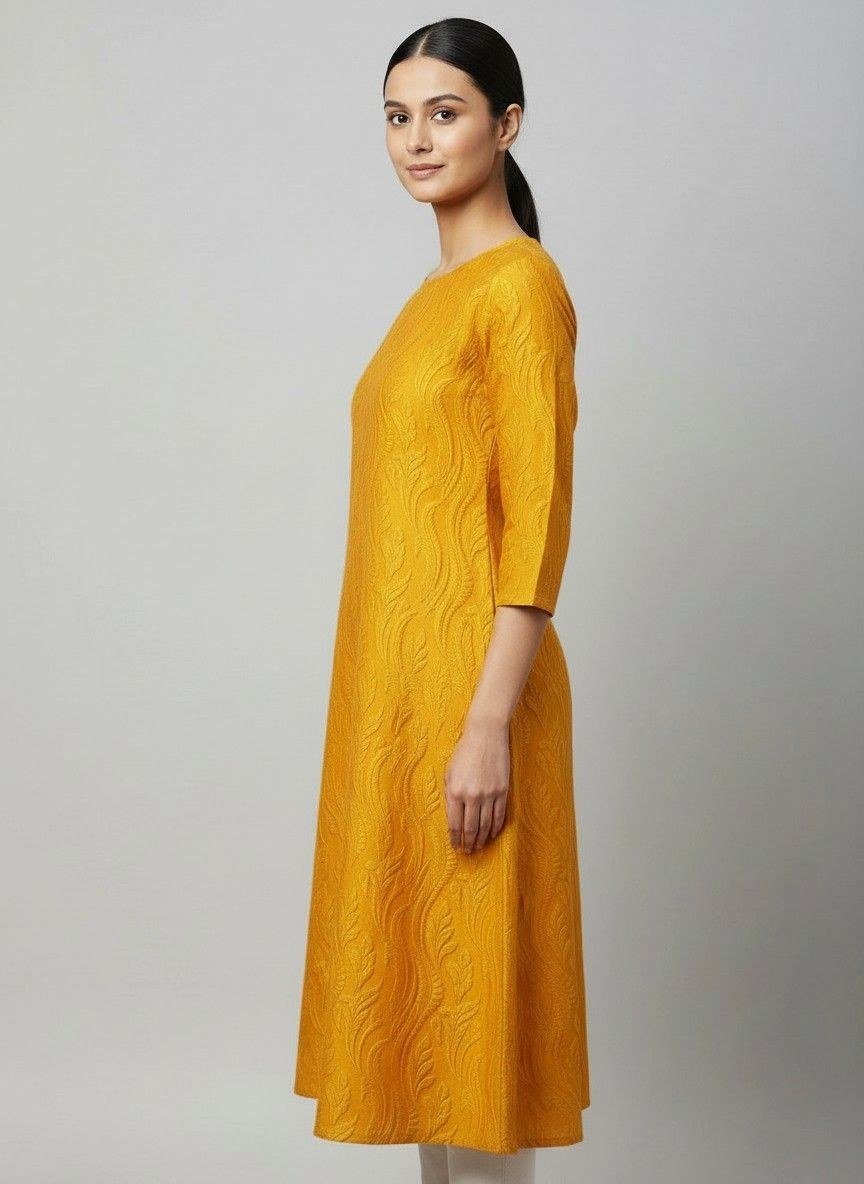
A Surat trader photographs a loom sample — or a loom sample. Mohor puts it on a professional model and delivers 4 catalogue angles in ~under a minute for singles, under 2 minutes for 4-angle sets. No app, no login.
MOQ 50 pcs · ready stock
Send price list & shade card
What actually happens in those ninety seconds
The photo is first read for what is in it — the garment type, and the pieces that usually get lost in generation: a dupatta, a paghdi, jewellery, and whether the lower half is a trouser, a churidar or a lehenga skirt.
The four angles are then generated as one set rather than four separate jobs, which is what keeps the same face and the same body across all of them. A background is chosen to suit the garment, so a sherwani does not end up on a beach.
Colour is measured against the source before delivery. Fabric texture, embroidery and above all colour can still differ from the physical garment, so check every image before you publish it — see our terms.
Try it on one garment.
Four credits are free.
Send a photo and see what comes back before you pay for anything.